How Vendara works.
From a free catalog audit to a live listing update — here's the whole flow.
01Connect or enter an ASIN
Connect your Seller Central account to audit your whole catalog free — or skip connecting and enter any ASIN directly.
02Find what needs improvement
Vendara scores listing structure, keyword coverage, and backend search terms, then ranks your listings worst-first.
03Generate optimized content
The optimizer researches live competitor listings and keyword search volumes, then writes the title, Item Highlights, bullets, description, and backend search terms.
04Review the evidence
Compare before-and-after listing scores, check each keyword's search volume, and see exactly where every keyword was used.
05Publish or export
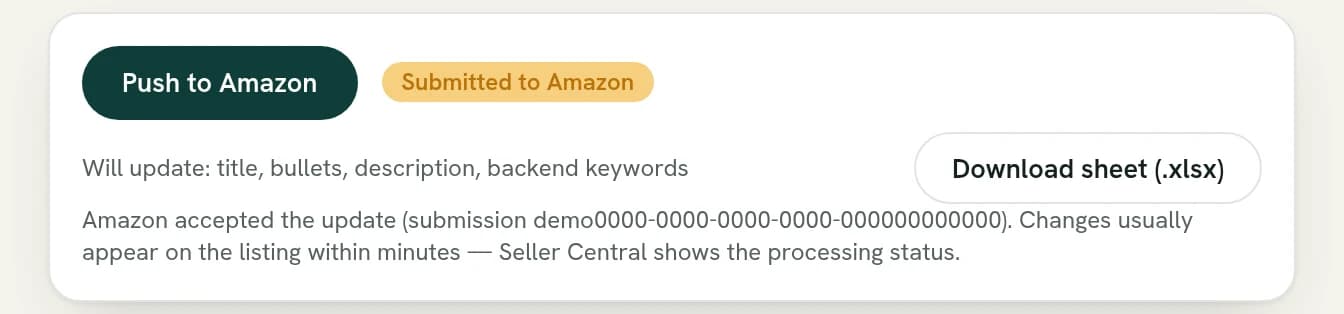
Push the approved update directly to Amazon through your connected account, copy individual fields, or download an Excel workbook.
Simple pay-as-you-go pricing
The catalog audit is free. Optimizations run on credits: 1 credit = $0.10, packs from $10, 50 free credits at signup — no subscription, and credits never expire. Every run shows its cost before you commit.
Before a run starts
Every tool checks your balance first. If you don't have enough credits, it won't start — so you never end up mid-task with a blocked run.
If something goes wrong
Credits are only spent once a run actually finishes. If a run fails partway through, whatever was set aside for it is automatically returned to your balance.